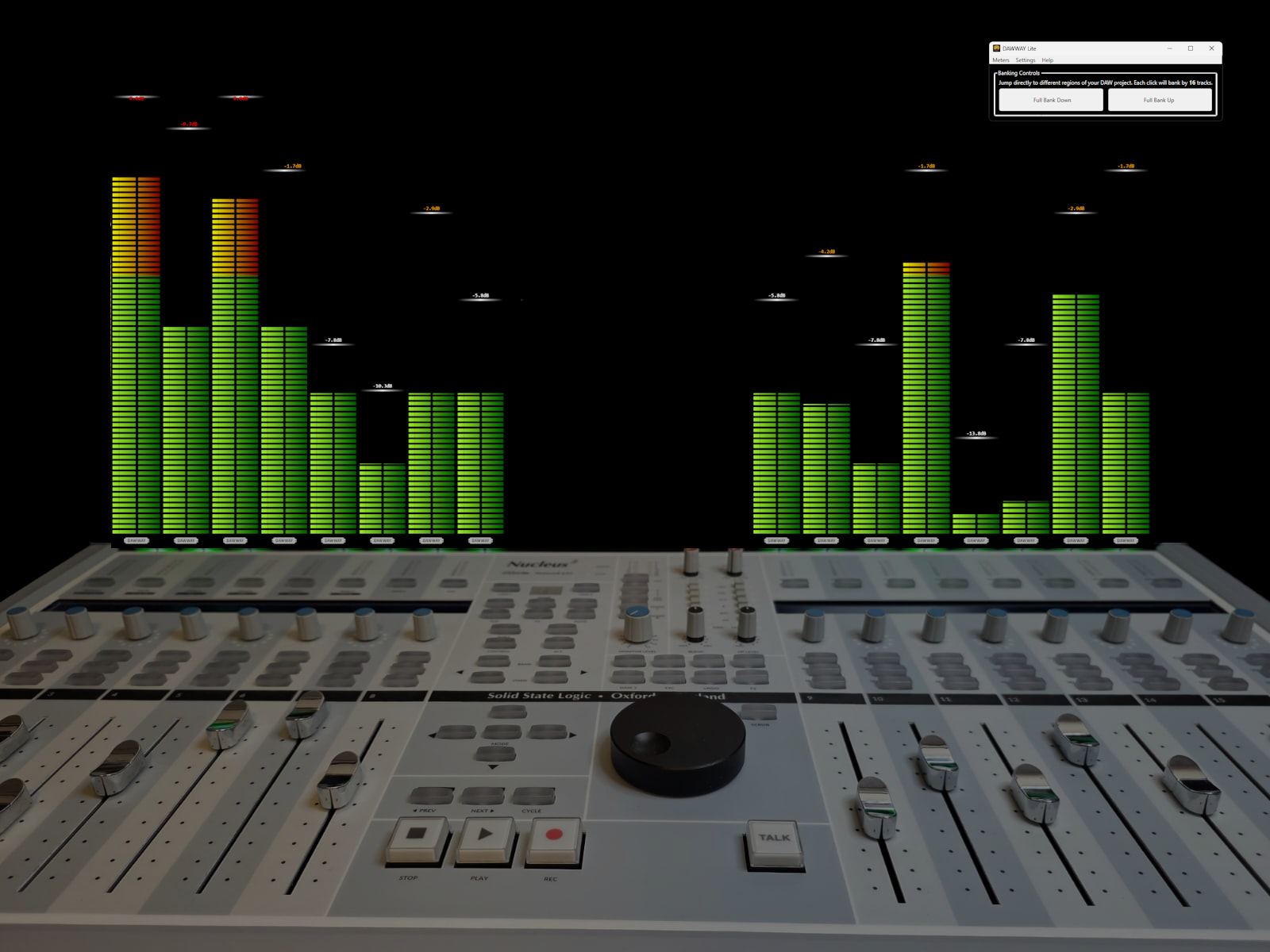
DAWWAY Lite is a second-screen meter bridge for your control surfaces-
sized perfectly to your surface and extenders, fully customisable, and always ready when you are.
Launched on the last day of NAMM 2026
"I used to play in bands back in the 80s, and after I retired from computer programming I got back into writing and recording.
I found Modern DAWs to be incredible, but once I started using a control surface seriously, I hit a constant annoyance: my hands were on the faders,
but my eyes had to keep jumping to the computer screen to see what the DAW was showing. I wanted clear visual feedback where my eyes were already looking,
I wanted a clear indication of any track hitting a new peak. I wanted more flexibility in how my meters were being displayed. I knew that there had to be a better software solution.
I asked around - even spoke to DAW and control surface manufacturers - and everyone liked the idea, but nobody was building it."
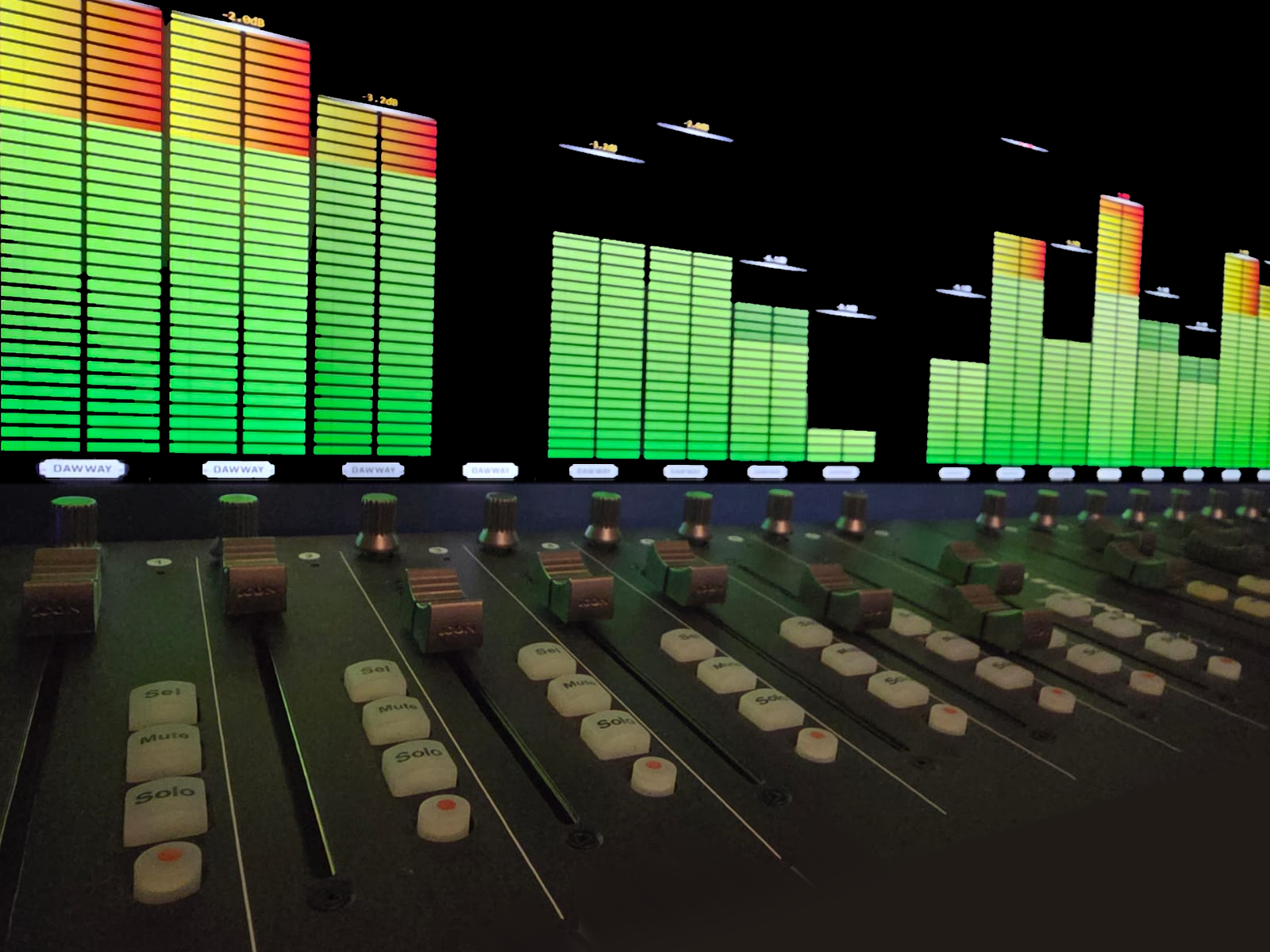
DAWWAY is a dedicated, always-visible meter bridge for your DAW and your Control Surface. It brings the essential mixer information into the same place as your control-surface workflow - so you make faster decisions, stay in the creative flow, have more control, and your setup feels more like a real console. And this isn’t my first try - it’s the fourth iteration, built from real use, getting closer to the vision… and then going beyond it.
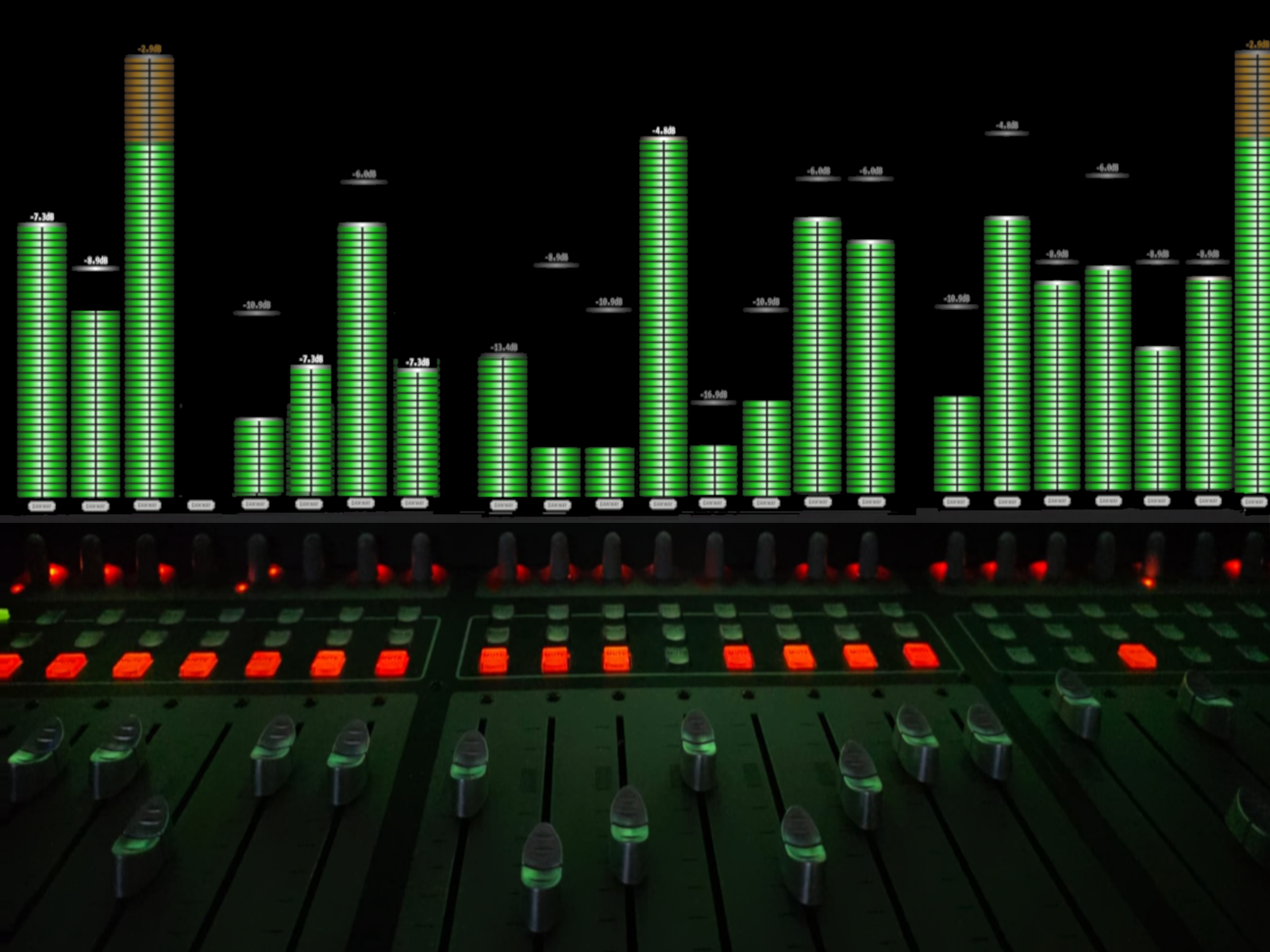
Put full metering on a display above your surface, so you stop squinting at the DAW mixer.
Sizes perfectly to your control surface and extenders, so it feels “built-in”.
Make full use of screen real estate: compact overview or big focus meters- your choice.
Designed for a broad range of DAWs and control surfaces.
Bring meters to a dedicated screen above your surface- where your eyes already are.
Scales to match your surface + extenders for a seamless desk layout.
Compact overview meters or larger “mix focus” meters- pick what suits the session.
Choose the look that matches how you work: clean, bold, minimal, etc.
Fine-tune behaviour and appearance to get exactly the feedback you want.
Configure your layout, then keep it- ready whenever you open the app.
Run on one external display, ultrawide, or multi-monitor setup.
Native touch-friendly behaviour for modern studio screens.
From then on it’s setup once, launch and go.
Shows how DAWWAY can highlight the solo’d track and dim everything else, with adjustable global dimming.
A practical walk-through of the DAWWAY Lite experience: metering, layout, and workflow.
The following DAWs have been tested with a selection of control surfaces:
Ableton Live,
BITWIG,
Cubase / Nuendo,
Luna,
FL Studio,
Mixcraft,
Reaper,
Reason,
Studio One.
The following Control Surfaces are anticipated to work with DAWWAY but not all combinations of DAW & Control Surface have been tested (There are aproximately 400 combinations)
AVID / EUPHONIX - Artist Mix, Control, Behringer - BCF2000, X-TOUCH, COMPACT, MINI, X-TOUCH ONE, WING, Emagic - Logic Control, Euphonix - System 5, AlphaTrack, iCON - Platform M+, Platform X+, QCon Pro, QCon Pro G2, QCon Pro X,QCon Pro XS,P1-Nano,V1-M, V1-X, Korg - nanoKONTROL2, M-Audio - ProjectMix I/O, Mackie d8b (emulation), MCU Pro, MCU XT Pro,Mackie Control,Control Universal, Control Universal Pro, Roland - VS700c (limited), Solid State Logic - Nucleus, Nucleus 2, UF1, UF8, Steinberg - CMC, Tascam - FW-1082, FW-1884, US-2400, Yamaha - 01X (Midi Dongle only),
Scales to match your extender count and layout for a consistent “hardware width”.
DAWWAY Lite is designed for wide compatibility across a wide range of DAWs and control surfaces:
DAWS
Ableton Live, BITWIG, Cubase / Nuendo, Luna, FL Studio, Mixcraft, Reaper, Reason, Studio One.
CONTROL SURFACES
AVID - Artist Mix, AVID - Artist Control, Behringer - BCF2000, Behringer - X-TOUCH, Behringer - X-TOUCH COMPACT, Behringer - X-TOUCH MINI, Behringer - X-TOUCH ONE, Behringer - Wing, Emagic - Logic Control, Euphonix - MC Mix, Euphonix MC Control, Euphonix - System 5, iCON - Platform M+, iCON - Platform X+, iCON - QCon Pro, iCON - QCon Pro G2, iCON - QCon Pro X, iCON - QCon Pro XS, iCON - P1-Nano, iCON - V1-M, iCON - V1-X, Korg - nanoKONTROL2, M-Audio - ProjectMix I/O, Mackie d8b (emulation), Mackie - MCU Pro, Mackie - MCU XT Pro, Mackie - Mackie Control, Mackie - Mackie Control Universal, Mackie - Mackie Control Universal Pro, Roland - VS700c (limited), Solid State Logic - Nucleus, Solid State Logic - Nucleus 2, Solid State Logic - UF1, Solid State Logic - UF8, Steinberg - CMC, Tascam - FW-1082, Tascam - FW-1884, Tascam - US-2400, Yamaha - 01X (Midi Dongle only).
No- but it shines with an external display at your eyeline (including touchscreens).
The goal is “setup once, always there.” Configure it, then launch and go.
I am acutely aware that as an independent software developer my resources for testing are limited but I have been pleasantly surprised how well new DAWs and Control Surfaces to the program have integrated